SyncXP — AI receipt scanner and expense reports
Built for our own crew expenses: photograph receipts, let AI read the merchant, date, amount and VAT, and hand your accountant a report they will accept. £25 once, no subscription — sold and supported at syncxp.co.uk.
Try 10 scans free Buy a licence — £25 Visit syncxp.co.uk
macOS 14 or later · iPad app on the App Store · iPhone companion "SyncXP Snap"
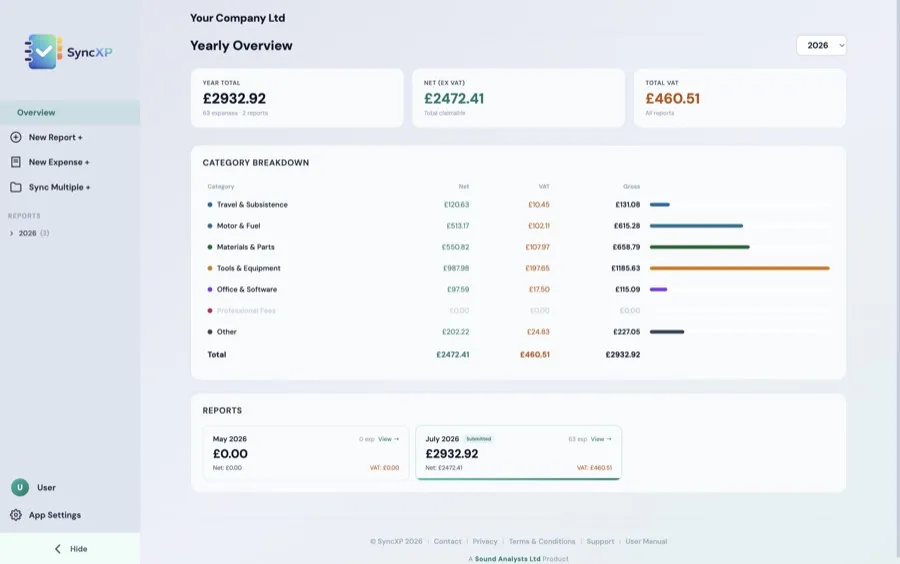
The Mac app: every report in one place, totals by card and category, VAT split out.
Why we built it
A touring sound company generates a shoebox of receipts a month. Subscriptions for expense software cost more than the VAT we were reclaiming.
Scan
Photograph a receipt or drop in a PDF invoice. AI extracts merchant, date, net, VAT and total. Receipts with several VAT rates stay as one expense, matching what left the bank.
Organise
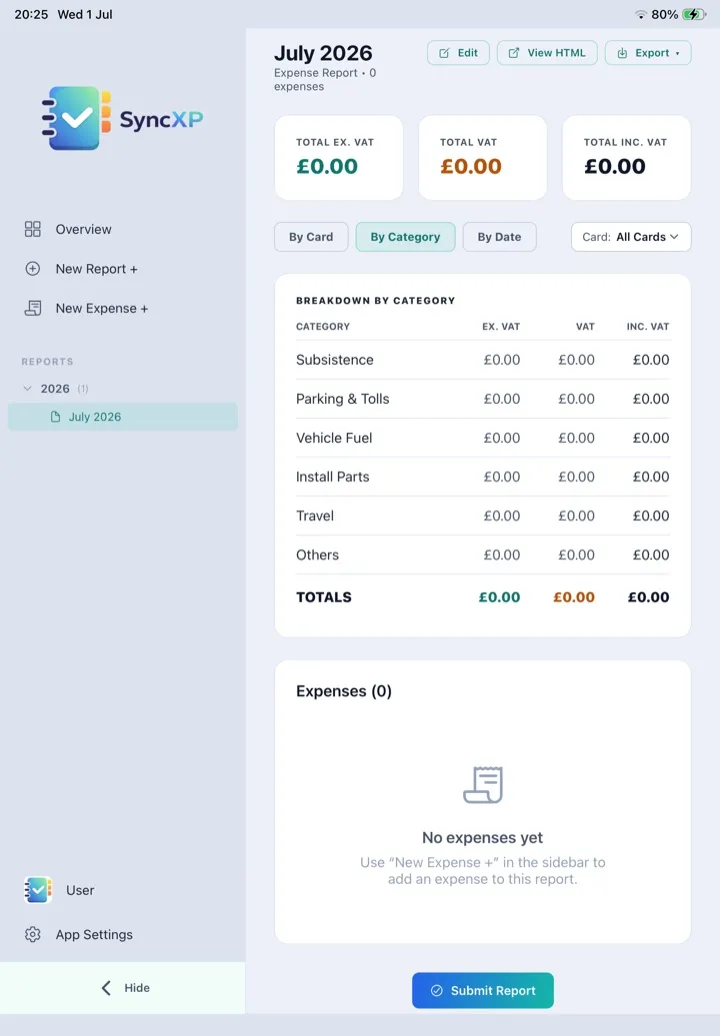
Expenses land in monthly reports, grouped by payment card and category — fuel, public transport, subsistence, tools, software, professional fees and your own.
Reconcile
Import a bank statement (CSV or PDF). SyncXP matches payments to receipts as you scan, shows what is still missing, and lets you link the rest by hand.
Report
Export a PDF your accountant can read, a CSV for bookkeeping, or a ZIP of every receipt image.
Your data stays yours
Reports and receipt images live on your Mac and in your own Dropbox or OneDrive. Our server sees a receipt only for the moment it is read.
Mac, iPad and phone
The full app on Mac and iPad; SyncXP Snap on iPhone captures receipts on the go and sends them straight into your reports.
£25, once
One payment of £25 including VAT buys a perpetual licence for one Mac and one iPad, with 1,200 AI scans included. Extra scans are £10 per 1,200 and never expire. No monthly fee, ever.
Not sure? The free trial gives you 10 scans with no card details — enough to run a real week of receipts through it.
Questions?
SyncXP has its own site with documentation, FAQ and support.
Documentation Email support@syncxp.co.uk